Best UI/UX Project Ideas for Beginners (Top 10 Picks)
UI/UX design is growing very fast, and having a strong portfolio is very important if you want a good job in this field. For beginners, choosing the right project ideas can feel confusing and difficult. You may not know where to start or what to create.
In this article, we share 10 UI/UX project ideas that are perfect for beginners. These projects will help you practice real design skills and understand how UI/UX works in real life. By working on these ideas, you can slowly build a strong and attractive portfolio that grabs the attention of employers.
What Is a UI/UX Project?
A UI/UX project is about designing how a digital product looks and works. This can be a website, mobile app, or software. The main goal is to make the product easy to use and enjoyable for users.
In a UI/UX project, designers study users, understand their problems, and collect feedback. This helps them improve the design and create a better experience for people.
Before starting any UI/UX project, it is important to understand what a UI/UX designer actually does. A designer works on user research, layout design, user flow, and testing. Learning these basics will help you create better projects.
As you move forward, try to understand core UI/UX concepts like user journeys, simple testing, and design analysis. You should also learn popular UI/UX tools such as Figma, Adobe XD, Photoshop, and Illustrator. Practicing with real projects will help you gain confidence and improve your skills step by step.
Top 10 Easy UI/UX Project Ideas for Beginners
1. Online Article or Blog

Creating a blog or online article platform is a great UI/UX project for your portfolio. Your main focus should be on making reading comfortable and enjoyable for users. Use clear layouts, readable fonts, and attractive visuals. Make sure navigation is simple so users can easily move between articles. This project helps show how well you design content-focused and user-friendly platforms.
2. Restaurant Menu (Online Menu)
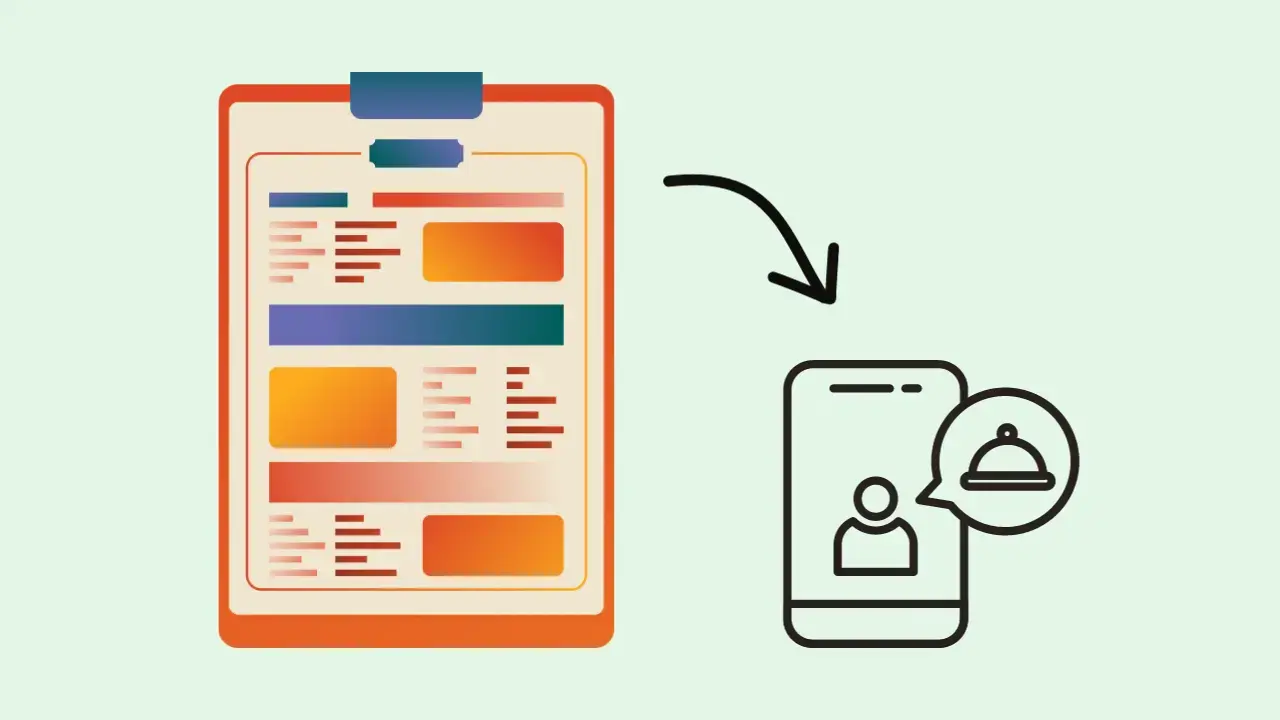
Turning a restaurant menu into a website or app is an excellent way to practice UI/UX design. Focus on clear text, simple icons, and easy-to-read layouts so users can quickly understand the menu. Show how your design improves the customer experience and helps the business attract more customers. A clean and visual menu design can make a big difference.
3. Chatbot

Adding a chatbot project to your portfolio is a smart idea because chatbots are widely used today. Design a friendly and simple chat interface that feels natural to use. Focus on clear conversations, easy navigation, and a clean layout. You can design it as a website chatbot to also highlight your web UI/UX skills and interaction design knowledge.
4. App Layout for Smart Television
Designing an app interface for smart TVs is a unique UI/UX project. You need to think about large screens, viewing distance, light reflections, and different screen sizes. Navigation should be easy using a TV remote or D-pad. If possible, create a prototype and test it on different smart TV platforms to show your problem-solving skills.
5. Website Landing Page
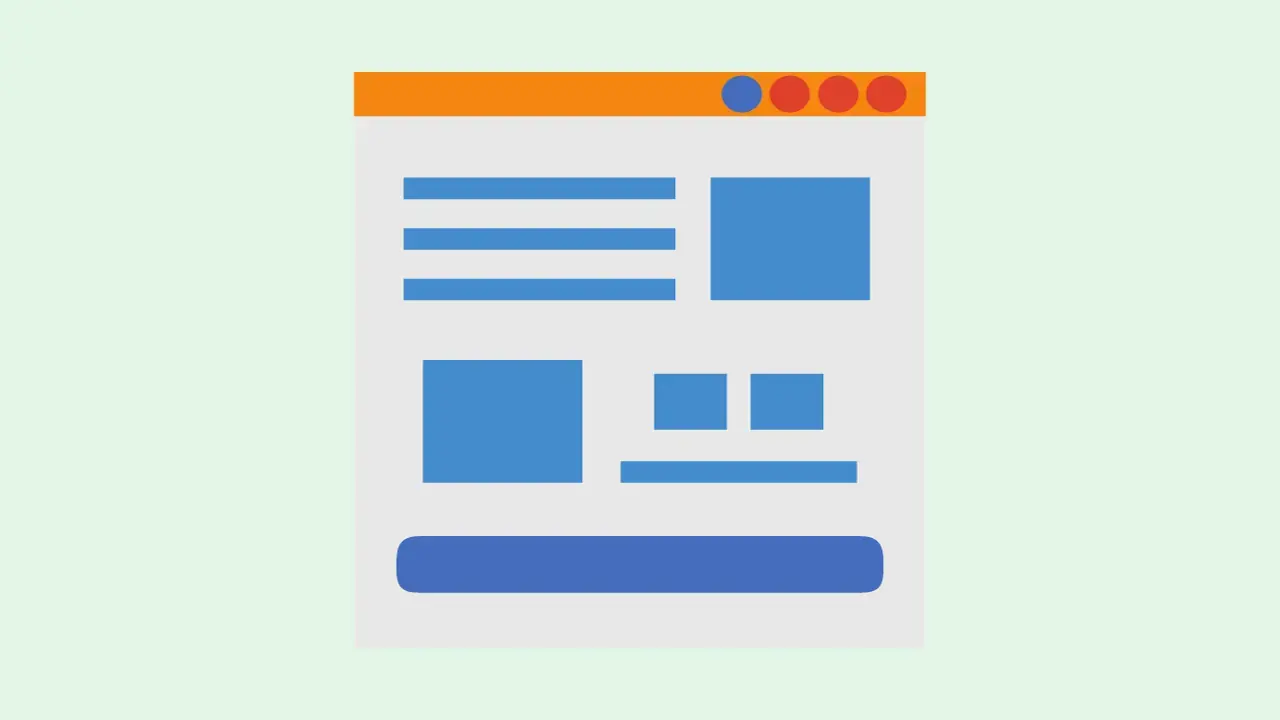
A landing page is one of the most common UI/UX projects designers work on. This project focuses on guiding users smoothly and clearly toward an action, such as signing up or learning about a service. Your design should be clean, visually attractive, and easy to understand. A good landing page shows your ability to design for user engagement and conversions.
6. Desktop Wallpaper Design
Designing a desktop background allows you to show your creative and visual design skills. Think about who will use the wallpaper and design it based on their needs and style. Present this project as a small case study, explaining your design choices and how they match user preferences. This shows your design thinking and attention to detail.
7. Email Templates
Creating email templates is a practical UI/UX project that focuses on communication and user action. Design emails that guide users clearly, using good spacing, readable text, and strong visual order. The goal is to encourage users to take action, such as clicking a link or making a purchase. This project highlights your understanding of user behavior and design goals.
8. Pricing Page

A pricing page is an important part of many websites and a great UI/UX project idea. Design clear pricing plans that are easy to compare and understand. Focus on simplicity, clarity, and trust. A well-designed pricing page helps users choose the right option and improves their overall experience on the website.
9. Portfolio Splash Page
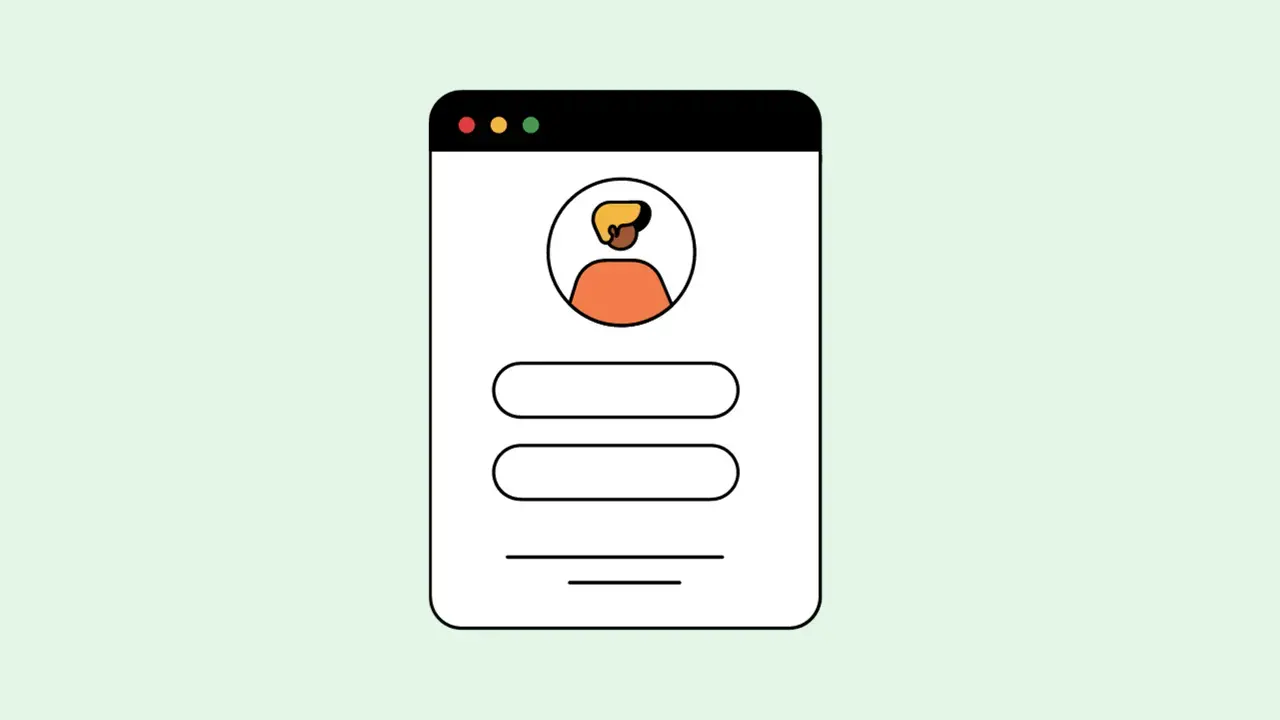
A splash page for your portfolio helps you create a strong first impression. This page usually introduces you and your work in a simple and attractive way. Include your name, skills, a short introduction, and clear buttons to explore more. A clean and engaging splash page encourages visitors to view your full portfolio.
10. Mobile App Home Screen
Designing a mobile app home screen is a great way to show your UI/UX skills. This is the first screen users see, so it should be clear and welcoming. Focus on easy navigation, clean layout, and important information. A well-designed home screen helps users understand the app quickly and improves their overall experience.
Conclusion
Creating a strong UI/UX portfolio as a beginner takes creativity, patience, and a good understanding of users. By working on different types of projects like blogs, restaurant menus, chatbots, app layouts, landing pages, wallpapers, email designs, pricing pages, portfolio splash pages, and mobile app home screens, you can clearly show your design skills and thinking process.
Always remember to start with research, understand user needs, and plan your ideas carefully. Create wireframes, build prototypes, ask for feedback, and improve your designs step by step. Following a clear design process and using best practices will help you create meaningful and professional UI/UX projects that attract employers.
Now is the best time to begin. Start working on these UI/UX project ideas, explore your creativity, and build a portfolio that helps you take your first step into a UI/UX design career. Keep learning and keep designing—success will follow 🌟
To speed up your learning, you can join a UI/UX course that teaches popular tools like Figma, Adobe XD, and Illustrator, along with real-world project practice. If you prefer learning at your own pace, a self-paced Figma certification course can also be a great option to strengthen your UI/UX skills.